Website Redesign
WordPress Website Redesign: Process and Best Practices
By Redesign Websites Editorial Team · Updated 2026-09-05 · 10 min read
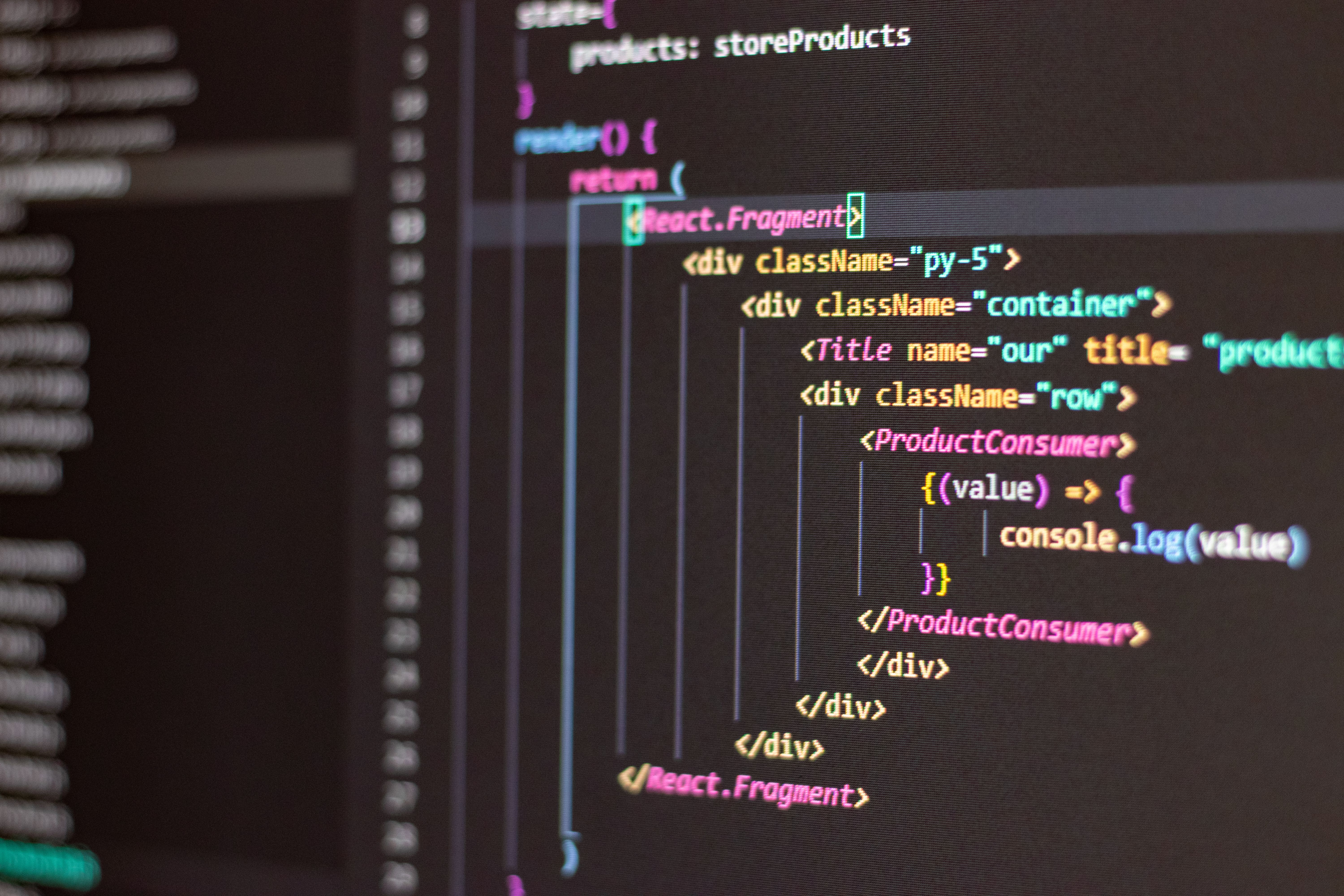
A WordPress website redesign can modernize your site while keeping the CMS your team already knows.
Audit your current WordPress site
- Review active plugins and remove unused ones
- Export content and URL list
- Check for hardcoded shortcodes or page builder lock-in
- Document custom post types and taxonomies
Redesign approach options
You can refresh the theme on the existing install, rebuild with a block theme, or migrate to headless WordPress. The right choice depends on performance needs and editor experience.
WordPress SEO during redesign
Preserve permalink structure where possible. Use a redirect plugin or server rules for changed URLs. Test with a staging environment before DNS switch.
Frequently asked questions
Should I redesign WordPress or switch platforms?
Stay on WordPress if your team depends on it and performance can be improved with a modern theme and hosting.
How do I avoid plugin bloat in a redesign?
Audit plugins during planning and replace bloated tools with lightweight alternatives.
Continue reading

Website Redesign
Website Redesign for SEO: How to Protect Organic Traffic
Website redesign and SEO must be planned together. A beautiful new site that drops organic traffic is a failed project....
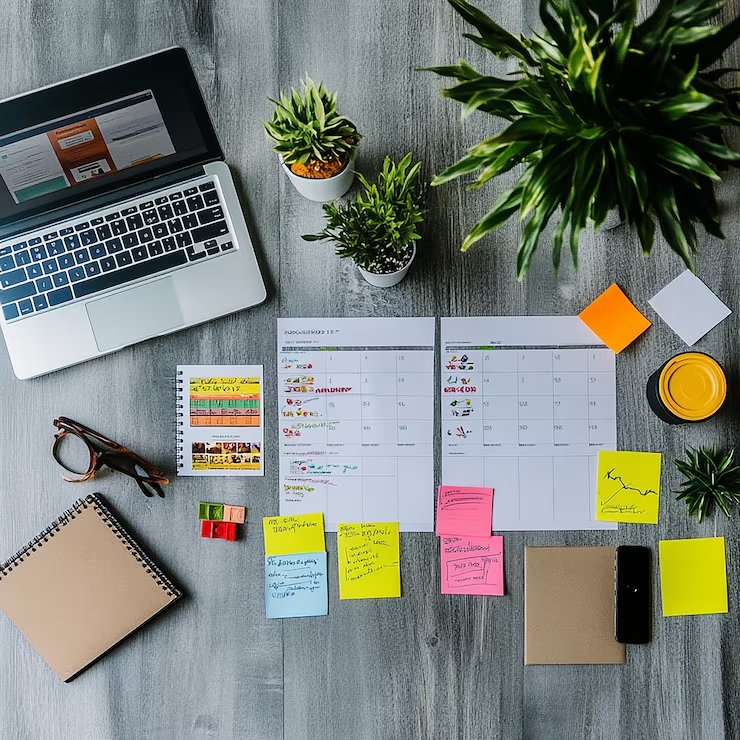
Website Redesign
Website Redesign Checklist: 40 Steps Before Launch
A website redesign checklist keeps complex projects on track and prevents the SEO and UX mistakes that cause launch-day ...